element-使用dialog查看图片、视频-dialog大小自适应
长 > 宽 设置弹窗最大宽度为370,否则为600 ,可以根据需要修改。
效果图如下:
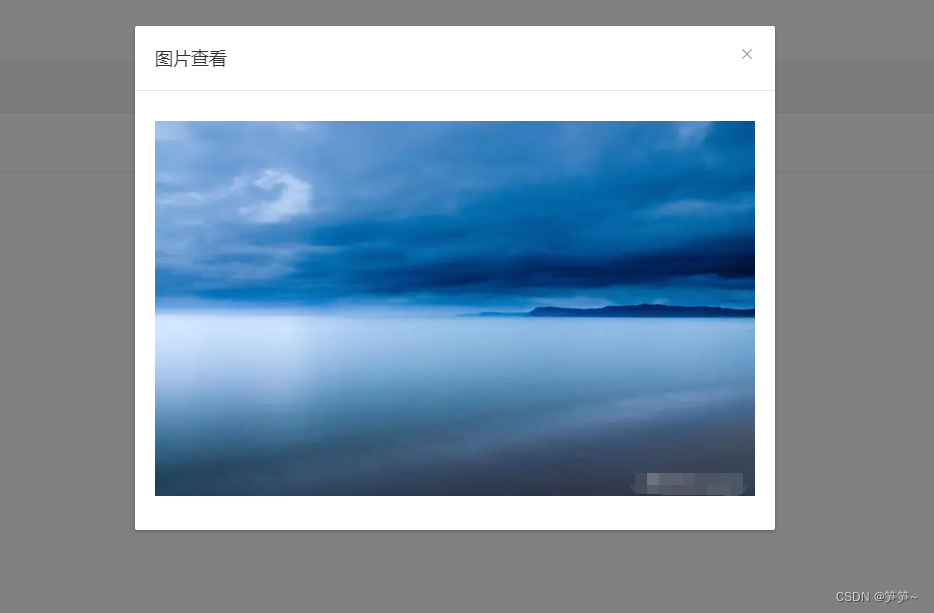
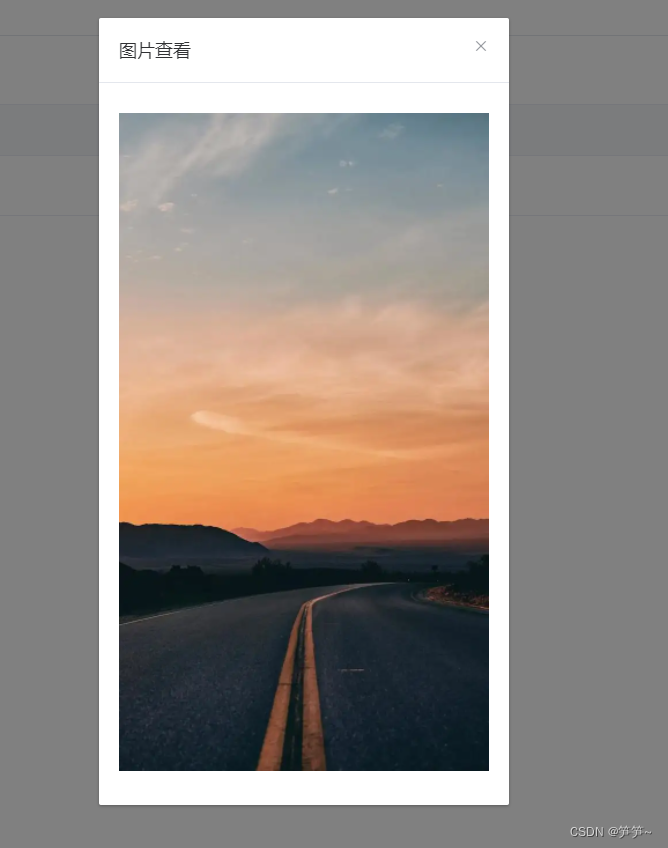
<el-dialog title="图片查看" :visible.sync="dialogBigImgVisible" :width="dialogWidth">
	<img :src="bigImgSrc" @load="onLoadImg" :width="boxWidth"/>
</el-dialog>

<el-dialog title="视频查看" :visible.sync="dialogBigImgVisible" :width="dialogWidth">
    <video controls @canplay="onLoadVideo" :width="boxWidth">
         <source :src="videoSrc" />
    </video>
</el-dialog>
|
var app = new Vue({
    	el: "#app",
        data: function(){
            return {
                dialogBigImgVisible: true,
				bigImgSrc: "",
                boxWidth: "",
                dialogWidth: ""
            }
        },
        methods:{
            onLoadImg: function (e) {
                var img = e.target;
                var width = 0;
                if (img.fileSize > 0 || (img.width > 1 && img.height > 1)) {
                  width = img.width;
                }
                if ((img.height > img.width) &&  width > 370) {
                    width = 370
                } else if (width > 600) {
                    width = 600
                }
                this.boxWidth= width + 'px';
                this.dialogWidth = width + 40 + 'px';
            },
            onLoadVideo: function (e) {
                var video = e.target;
                var width = 0;
                if (video.fileSize > 0 || (video.videoWidth > 1 && video.videoHeight >             1)) {
                  width = video.videoWidth;
                }
                if ((video.videoHeight > video.videoWidth) &&  width > 370) {
                    width = 370
                } else if (width > 600) {
                    width = 600
                }
                this.boxWidth = width + 'px';
                this.dialogWidth = width + 40 + 'px';
            },
        }
})
|