python多版本共存
1. Mac Os 多版本共存:
1.1 配置 brew 命令行 安装工具
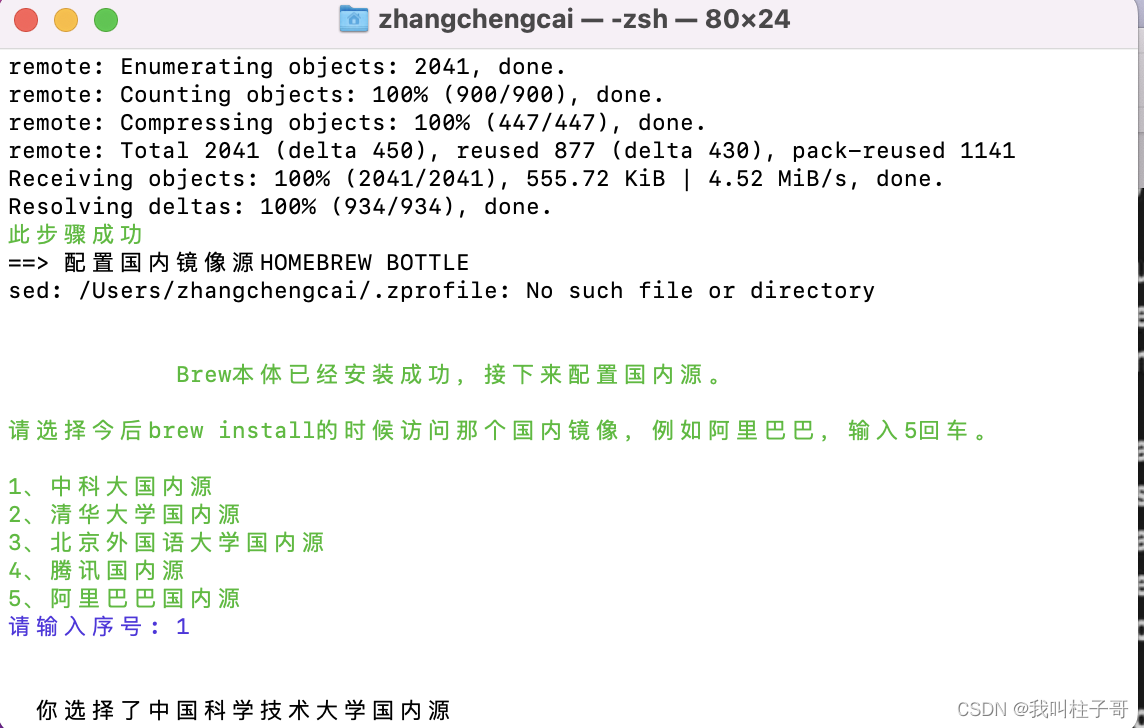
我选的是中科大的国内源。
之后终端自动安装
brew。安装好之后记得运行下面命令。拉取脚本
/bin/zsh -c "$(curl -fsSL https://gitee.com/cunkai/HomebrewCN/raw/master/Homebrew.sh)"
立即生效配置
source /Users/zhangchengcai/.zprofile
这里的 zhangchengcai 替换成 你自己的用户目录查看是否安装完成
brew --version
成功之后,可以安装一个火狐浏览器
brew install --cask firefox
1.2 安装多版本python
使用命令行 安装 多版本python
目前存在的 可用的 命令行安装版本 >>>
python@3.7 python@3.8 python@3.9 python@3.10 python@3.11
直接使用命令行安装即可
brew install python@3.7

添加环境变量
添加环境变量文件夹
mkdir ~/bash_files
打开 .zshrc
open ~/.zshrc
将下面的环境变量添加到末尾
export PATH=$PATH:/Users/kate_01/bash_files:/usr/local/Cellar/ffmpeg/6.0:/bin:/usr/local/ffmpeg/bin
立即生效
source ~/.zshrc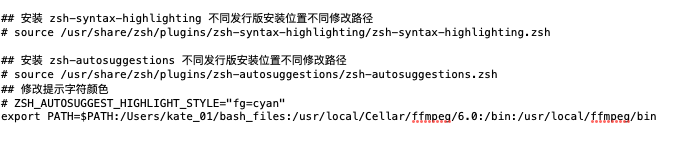
brew安装好的 python 主程序默认文件夹在/usr/local/Cellar中
默认到 pip 和 python 程序 在
/usr/local/Cellar/python@3.9/3.9.17_1/bin